Try Google Chrome now, no sign-up needed
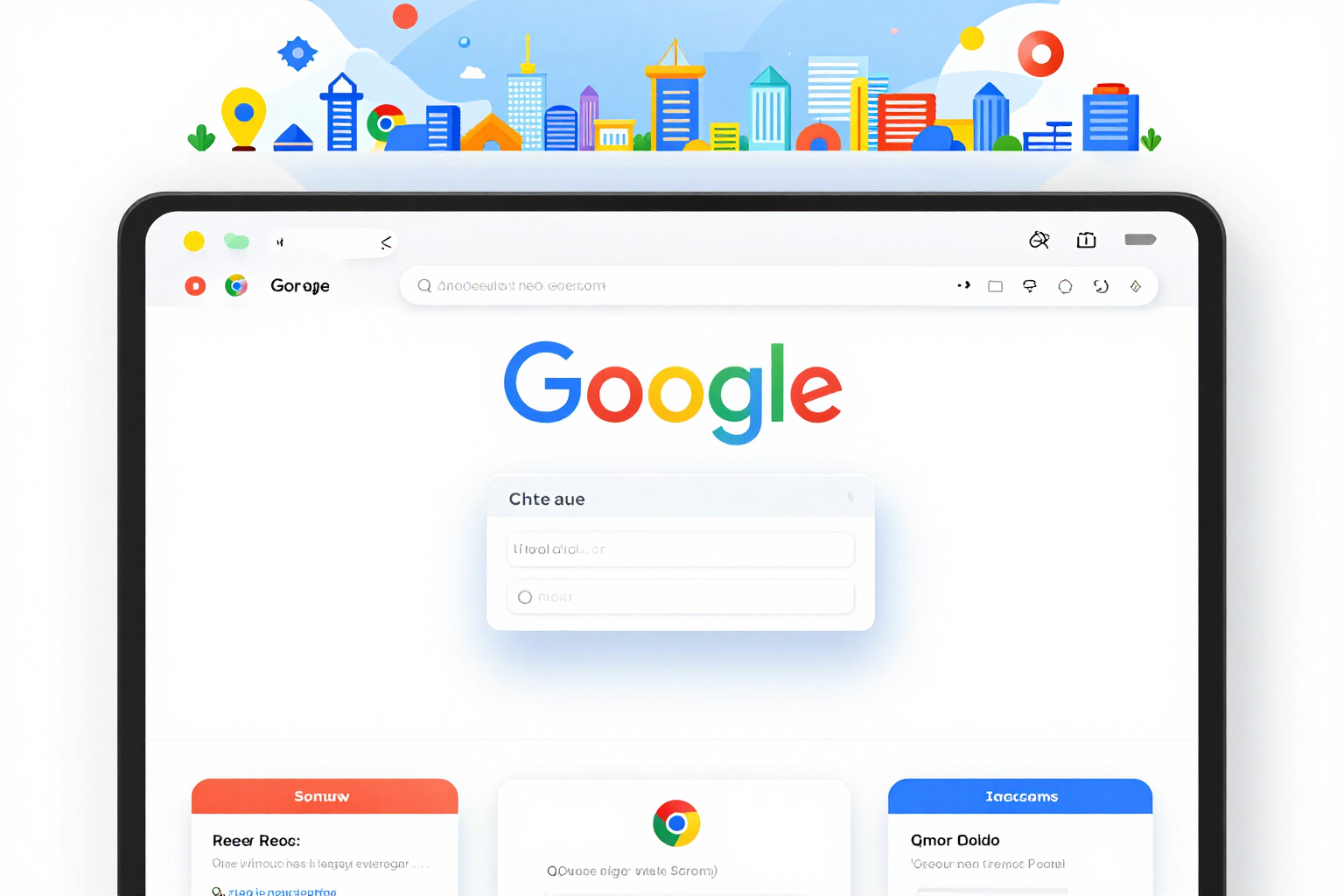
Google Chrome · Listing assets, Manifest V3 and paperwork, measured to the pixel
Icons 128/48/32/16, 1280x800 screenshots with no alpha channel and 440x280 and 1400x560 tiles; a manifest with the minimum permissions and the literal warning the installer will see; and the complete dashboard listing, privacy policy included. Every file is read again and measured before delivery: if it doesn't match the specification, it doesn't go out.
In the features that use AI, responses are generated by artificial intelligence and are not a substitute for professional advice.
Das Spiel zeigt dir Zahlen, aber sagt dir nicht, welches Gadget du nehmen sollst, wofür du deine 5.000 Gold ausgeben sollst oder wen du auf dieser Karte wählen sollst?
Brawl Stars zeigt dir Zahlen und lässt dich mit den Entscheidungen allein. Hier ist die Entscheidung das Produkt: Für jeden der 44 Brawler im Katalog sagen wir dir, welches Gadget und welche Star-Power du nehmen sollst, welche zwei Ausrüstungen du auswählen sollst und ob seine Hyperladung die 5.000 Münzen wert ist – Pflichtkauf oder verzichtbar, mit Begründung –, und wir markieren, ob dieser Brawler im Modus, den du spielen willst, glänzt oder schwächelt. Im Draft antwortet Quick-Draft mit zwei Taps, weil der gesamte Katalog mit dir reist und die Berechnung auf deinem Handy erfolgt: kein einziger Netzaufruf, denn nur so passt es in den Timer. Und die Aufgabenteilung ist ausdrücklich: Die Fakten kommen aus der offiziellen Supercell-API, und das Wissen, das diese API nicht offenlegt – Priorität von Gadget und Fähigkeit, Ausrüstung, Hyperladungen, Kartenmatrix und Konter – kommt aus unserem Katalog, der einen sichtbaren Versionsstempel trägt, Tabelle für Tabelle. Wenn eine Tabelle nach einem Patch nicht verifiziert ist, sagt die App es in Bernstein und hält das Urteil zurück: Lieber schweigen wir, als dich 5.000 Gold zu kosten. Es gibt keine nicht offiziellen Vorteile, wir rühren dein Konto nicht an und laden nichts ins Spiel hoch.
See the tools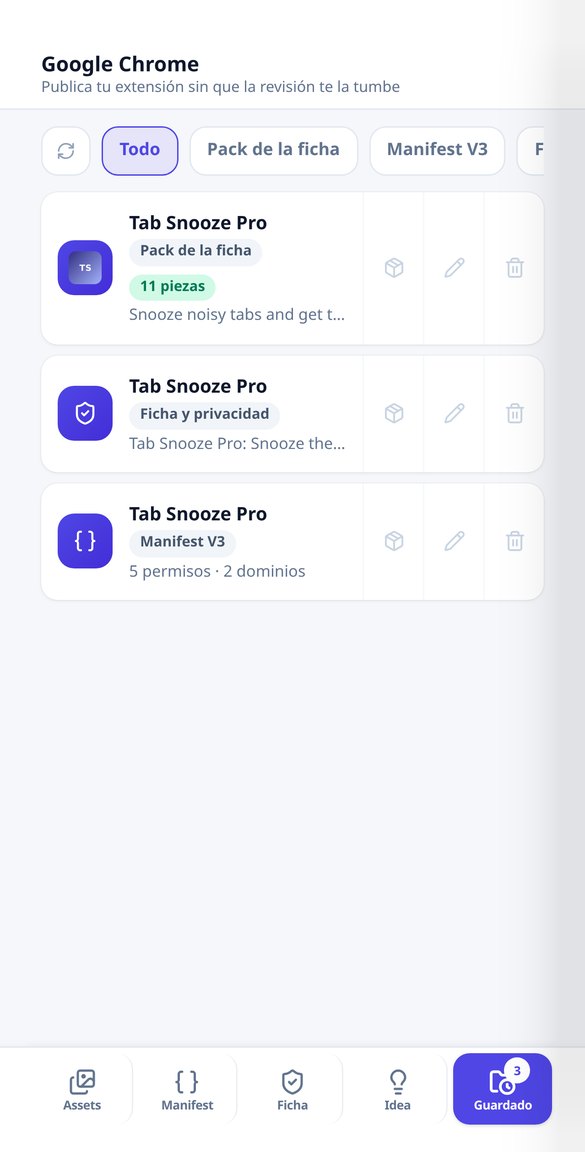
Discover every feature in detail
Chrome Web Store asset pack: icons 128/48/32/16, screenshots 1280x800, and tiles
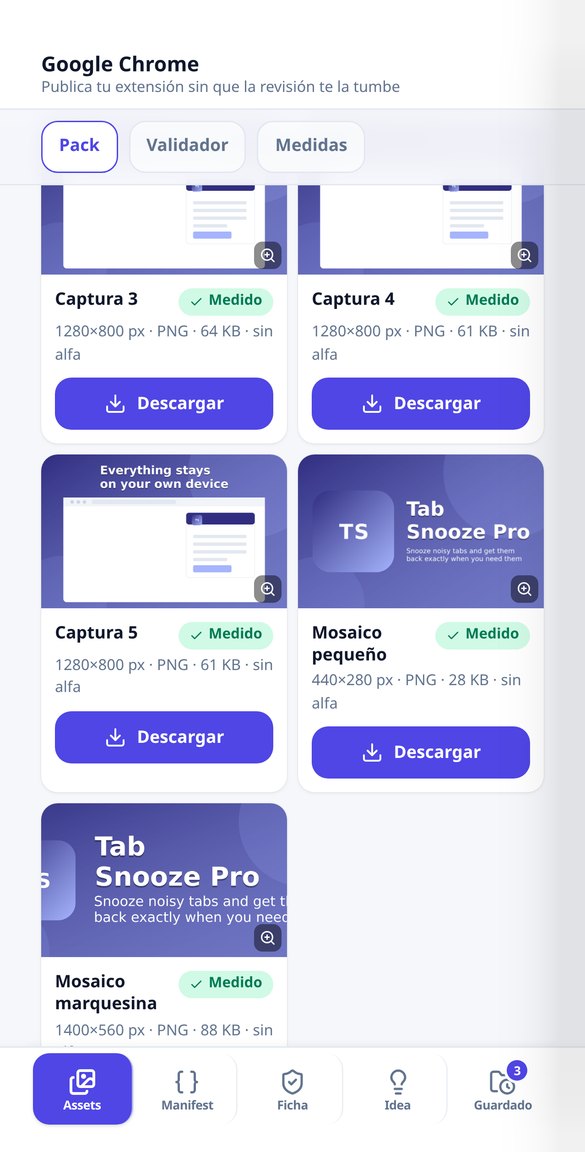
Generate the 128/48/32/16 icons for your extension, the 1280x800 screenshots without alpha channel, and the 440x280 and 1400x560 tiles all at once. Each file is remeasured before delivery and comes in a ZIP with icons/ and store/.
Try it free
Image Size Validator for the Chrome Web Store: Measure and Crop Online
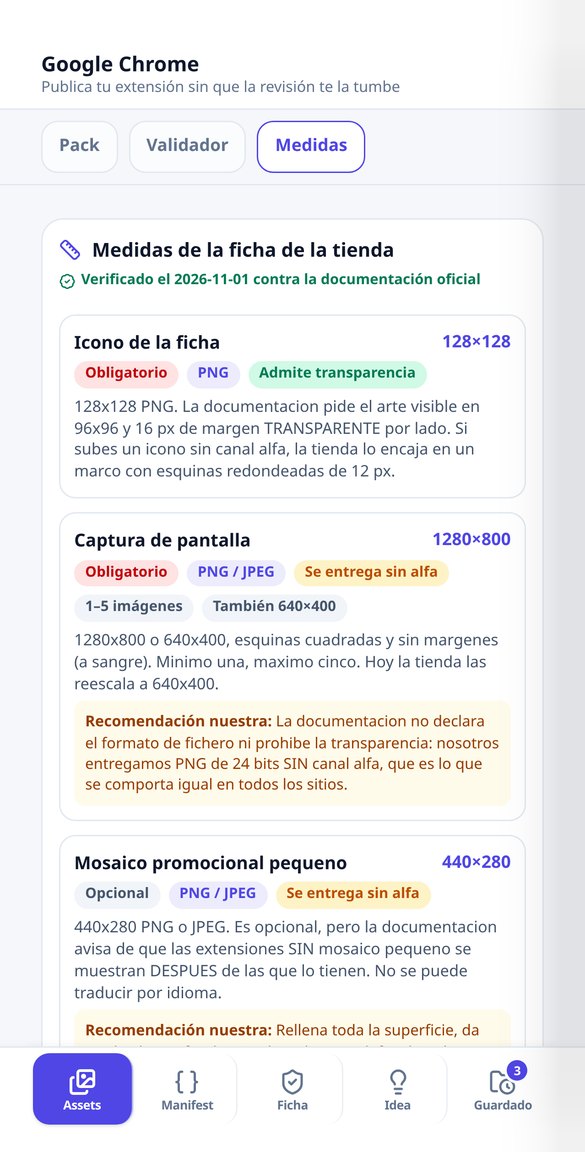
Check pixel by pixel if your images meet the Chrome Web Store measurements —icon 128x128, screenshot 1280x800, tile 440x280, banner 1400x560— and download the crop of each one. Detects actual transparency. Free, no account and no uploads: works in your browser.
Try it free
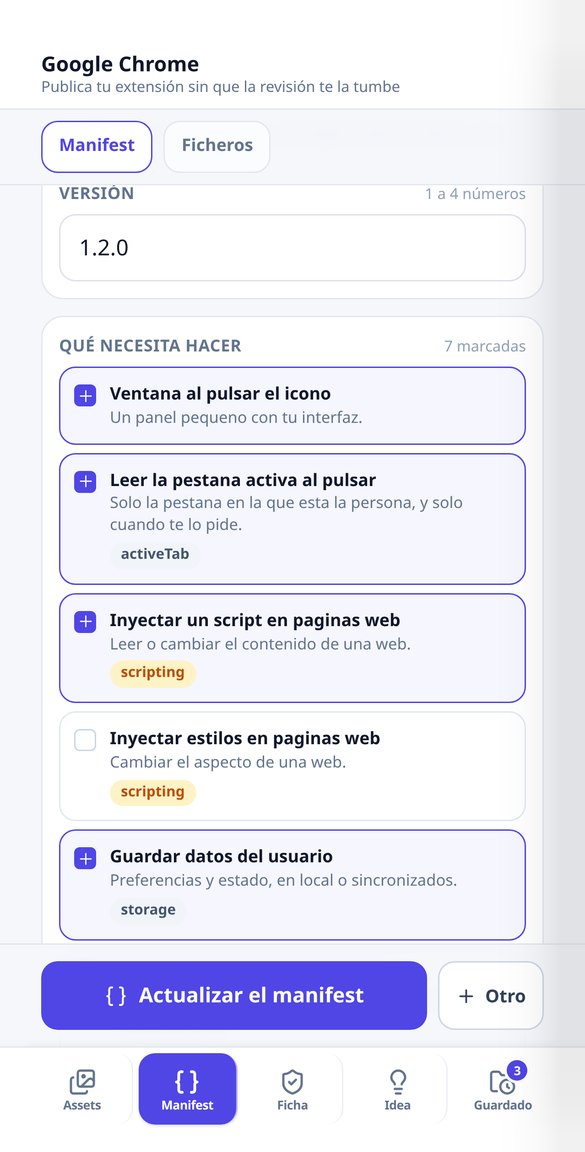
Manifest V3 Generator for Chrome Extensions: Minimum Permissions and Notices
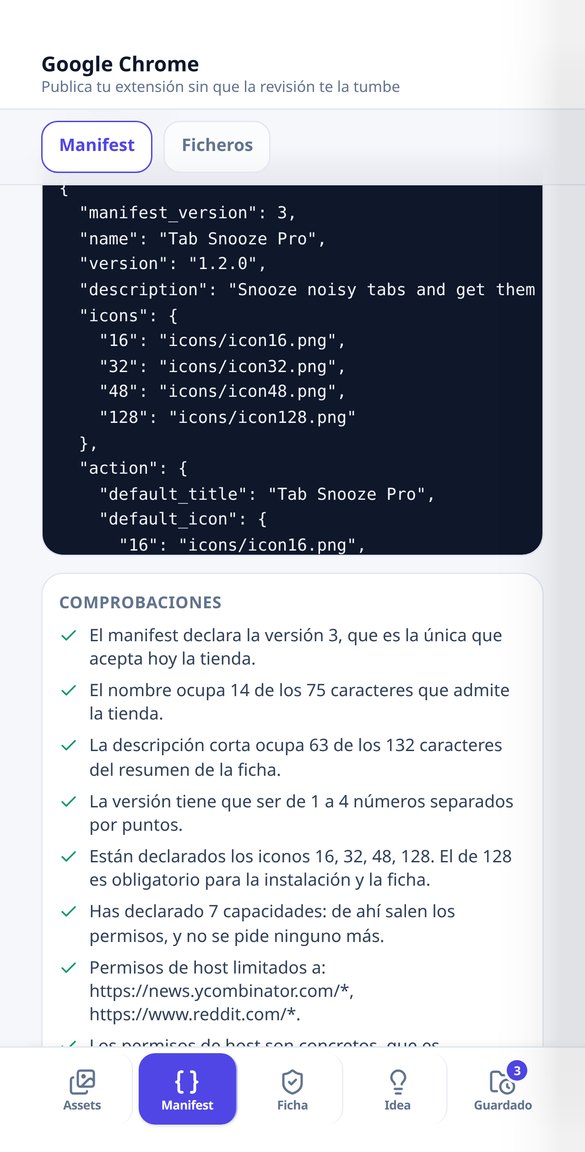
Create your Chrome extension's manifest.json by selecting what it does: the app deduces the minimum permissions from a catalog of 34, shows you the literal notice that users will see when installing, and validates name, description, version, and icons. Free, no account, and no AI.
Try it free
Permission notices when installing a Chrome extension: what the user will see
See the literal text that Chrome displays when installing your extension for each permission you declare: 'Read your browsing history', 'Read and change your data on your domains'… along with its risk level and how to avoid it. Free, no account, and no AI.
Try it free
Privacy policy and listing for Chrome extensions: free template
Generate the privacy policy for your Chrome extension, the listing description, the unique purpose, and a justification for each permission for free and without an account. Deterministic template in Markdown, no AI.
Try it free
Write your Chrome extension listing with AI: description, permissions, and privacy
Draft with AI the description for the Chrome Web Store, the unique purpose, justification for each permission, and the privacy policy of your extension. The 132 characters and permission coverage are verified by the app.
Try it freeFour tools for a listing prepared for review
Builds, Karten und Draft funktionieren ohne Registrierung und ohne Netz: Der gesamte Katalog kommt beim Öffnen der App mit, und die Berechnung erfolgt auf deinem Handy, sodass jeder Tap sofort neu zeichnet. Ein Konto ist nur dort nötig, wo es etwas zu speichern oder zu erzeugen gibt: deine Builds, die Verfolgung deines Tags und das Emblem sowie die Club-Poster.
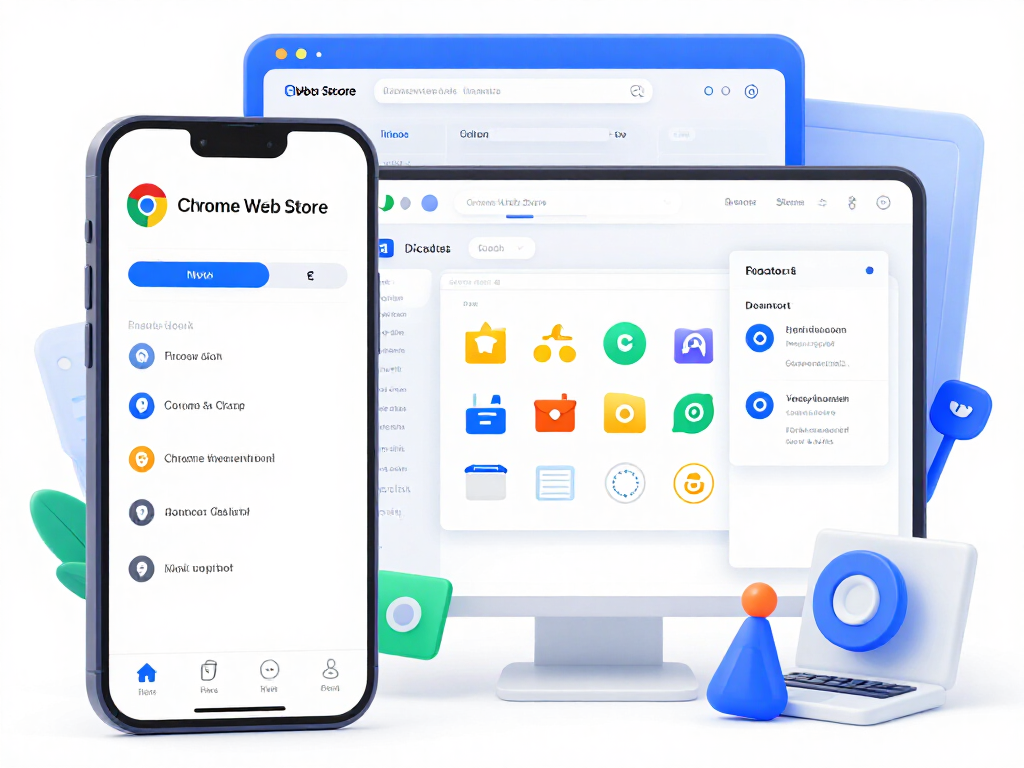
Listing asset pack, piece by piece
From 5 to 11 files in a single pass: the four 128/48/32/16 icons with their transparent margin, up to five 1280x800 screenshots flattened and checked for no alpha channel, the small 440x280 tile and the 1400x560 marquee. A single image call per pack —and none if you choose a flat monogram or upload your own image—, with free recomposition on the same base art. The label is drawn by the server, never by the image model: its prompts forbid text, letters and logos.
Manifest V3 with the minimum permissions and their real warnings
You tick, in plain language, what your extension needs across 24 capabilities and the app deduces the essential permissions from a catalogue of 34, with the literal warning Chrome will show at install —tabs reads "Read your browsing history"— and its risk level. It returns the validated manifest.json, the file tree and the initial skeleton for each one: service worker, popup, options, side panel and content script. Free, no account, up to 10 manifests per session.
The dashboard listing and privacy policy
Short description within its 132 characters counted in real glyphs, detailed description, single purpose, a justification for every declared permission —including host permissions—, remote code declaration, data usage and a privacy policy ready to publish. Template level: deterministic, no AI and no account, up to 6 listings per session. Custom level: a single text call that rewrites it for your extension.
From your extension folder to a listing ready to submit, in three steps
Starte ohne Registrierung
Builds, Ausrüstung, Hyperladungs-Urteile, Karten, Konter und Quick-Draft funktionieren vom ersten Moment an vollständig – ohne Konto und ohne irgendetwas eingeben zu müssen.
Wähle Brawler, Modus oder Karte
Der gesamte Katalog ist bereits auf deinem Handy: Jeder Tap berechnet sofort neu, ohne Wartezeit und ohne Datenverbrauch.
Kopiere, teile oder speichere
Die Build lässt sich als kurzer Text für den Club-Chat kopieren. Mit Konto speicherst du deine Builds und erzeugst das Emblem, die Poster und die Rekrutierungsanzeige.
Frequently asked questions
Latest blog articles
Guides and news to get more out of it

One extension, four stores: publish on Chrome, Edge, Firefox, and Safari from the same code
Chrome 148 now supports the browser namespace: what code stops duplicating and what continues to change from listing to listing (dimensions, limits, and privacy).

Why Your Extension is Rejected in the Chrome Web Store in 2026 (and How to Avoid It)
Real reasons for rejection in the Chrome Web Store following the August 2026 policies: permissions, written justification, installation notices, and privacy.
Measure your assets before the review does
Builds, Ausrüstung, Hyperladungen, Karten und Draft: kostenlos, ohne Registrierung und ohne Installation.